How NexOPD Works
From first login to a fully digital OPD — here's exactly what happens, step by step.
8 min
avg setup time
Zero
installation
2 hrs
saved per OPD
Part 1 — Getting Started
Up and running in under 10 minutes
Create your free account
Sign up with your name, email, and clinic name. No credit card, no IT team, no installation. Your NexOPD account is live in under 60 seconds.
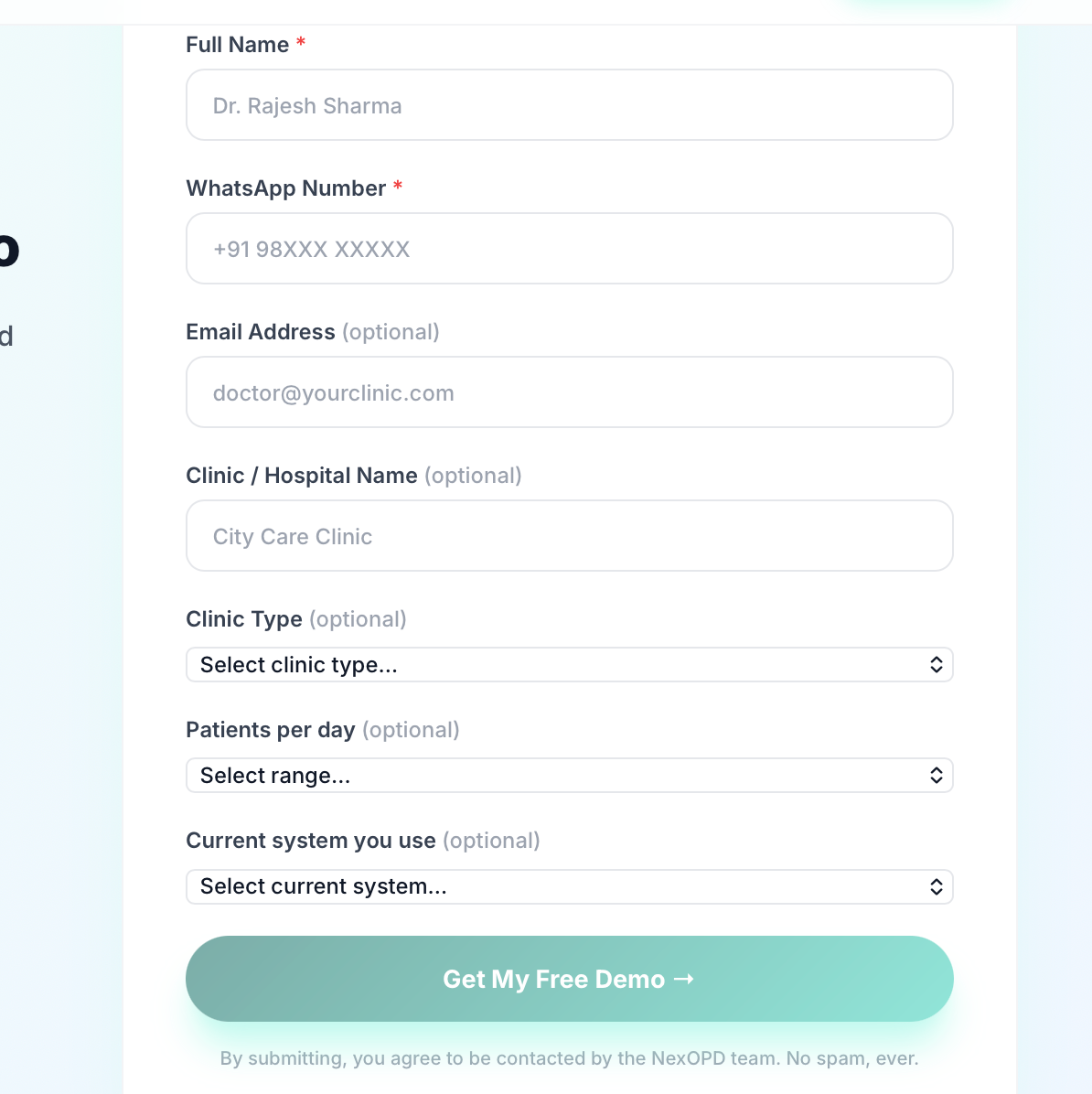
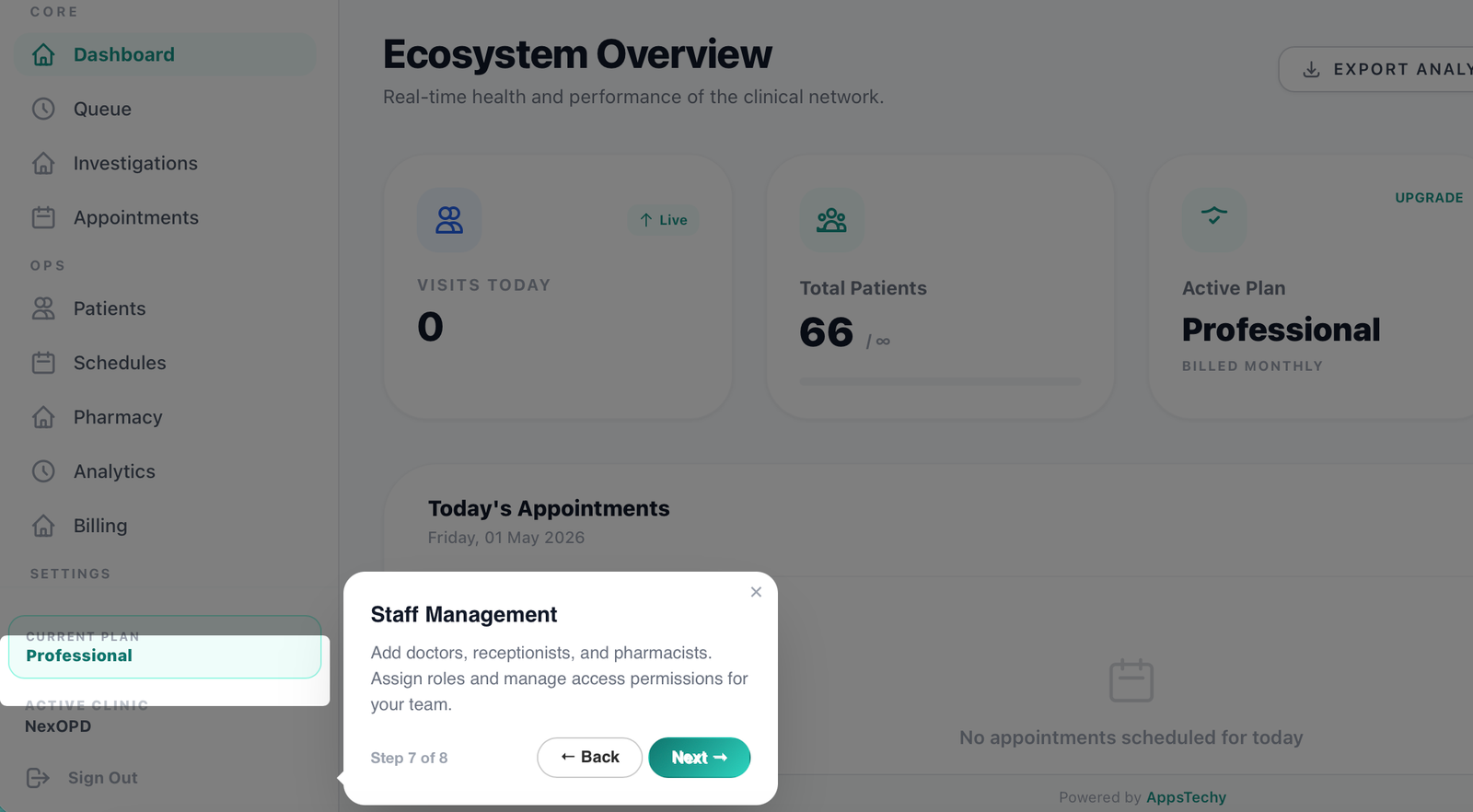
Set up your clinic profile
Add your doctors, fees, timings, and logo. Configure slots, pharmacy, and billing to match how your clinic already operates. The guided wizard walks you through every setting — about 7 minutes.
Already have patient records? Import them in minutes
Switching from paper or another software? NexOPD migrates your existing data before you see your first patient — no manual re-entry.
📋 Handwritten records
Download our Excel template, fill it in, upload — patients imported in bulk.
🔄 Another software
Upload your existing CSV or Excel export. Column mapper auto-matches your fields.
🤝 Need help?
Submit a migration request. Our team handles the full data transfer for free.
Go live — start seeing patients
Open NexOPD on any device — phone, tablet, or desktop. Your receptionist can start booking immediately. The interface is built for busy clinic staff; no training needed.
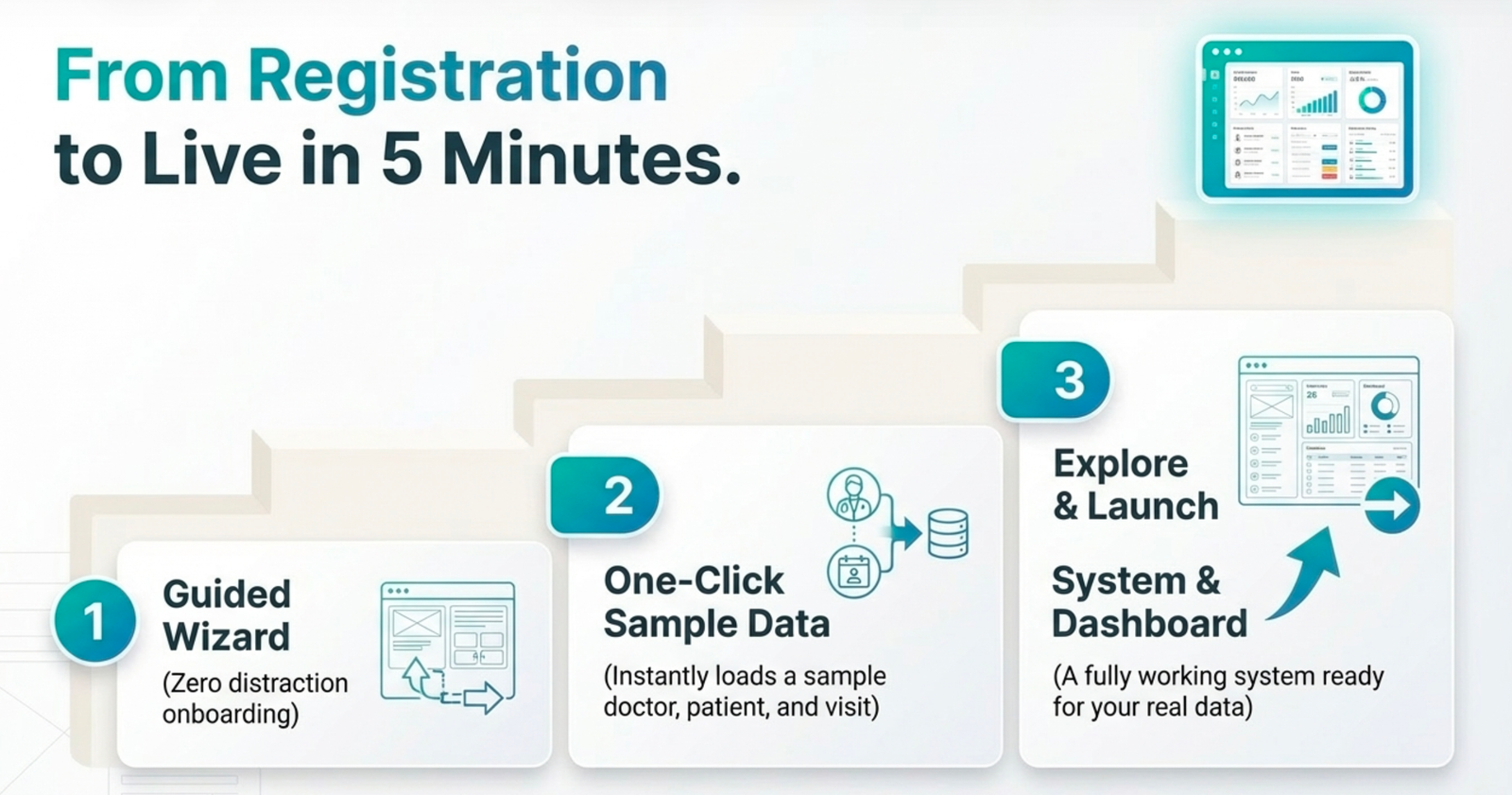
Setup done. Now the good part.
This is what happens every single OPD session
Part 2 — Every OPD Session
What happens every time a patient walks in
Patient arrives and gets registered
Reception searches by name or phone — or creates a new record in 10 seconds. Walk-ins and pre-booked appointments share one unified queue.
Today's Queue
Patient Record
Ramesh Kumar, 42 M
Patient since Jan 2024
Doctor opens full patient history
Every previous visit, prescription, investigation, and vital is instantly visible in one place. No paper files, no searching — one click, full clinical context.
AI generates the clinical note
The doctor speaks or types a brief summary. NexOPD's AI generates a structured SOAP note in under 60 seconds — ready to review, edit, and save.
AI Clinical Note
Generated in 38sS — Subjective
Fever 3 days, body ache, mild cough and sore throat
O — Objective
Temp 101°F · BP 118/76 · SpO₂ 98%
A — Assessment
Viral upper respiratory tract infection
P — Plan
Antipyretics, rest, fluids · Review in 3 days
Digital Prescription
Rx — Ramesh Kumar
Dr. Anita Sharma · 08 May 2026
Paracetamol 500mg
1 tab · TDS · 5 days · After food
Cetirizine 10mg
1 tab · OD at night · 5 days
Sent via WhatsApp in 15 seconds
Digital prescription in one click
Drugs are auto-suggested based on the diagnosis. The prescription is generated, saved to the patient record, and WhatsApp'd to the patient in 15 seconds.
Bill generated. Follow-up scheduled.
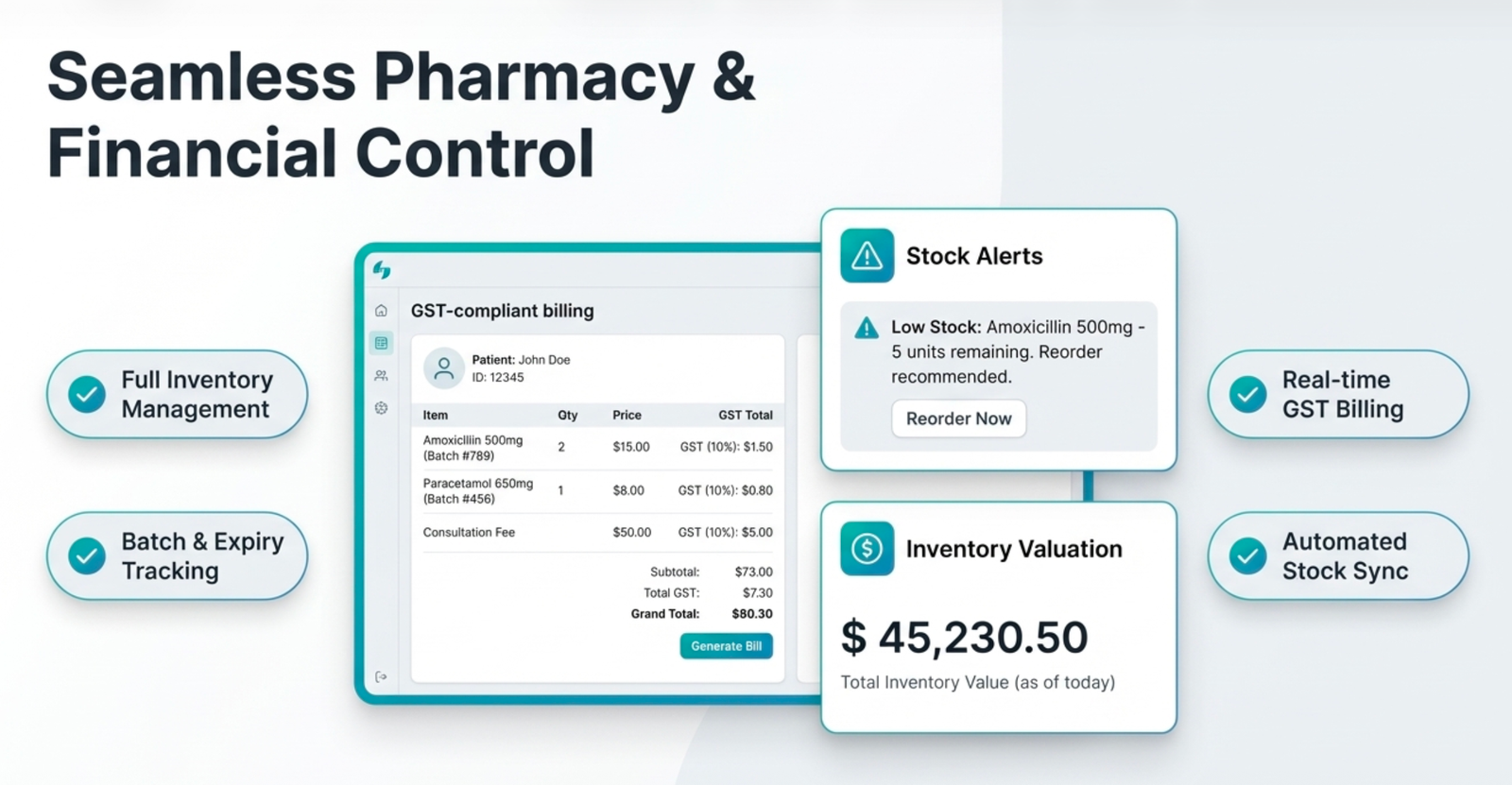
A GST-compliant invoice is created and sent automatically. WhatsApp reminders go out for the next visit — zero manual effort from your staff.
What clinics see after switching
2 hrs
saved per OPD session
Zero
paperwork from day one
100%
digital patient records
Ready to transform your clinic?
Start free today — no credit card, no installation, no IT team required.
🔒 Secure · No Credit Card · Cancel Anytime