Walk into any busy Indian clinic on a Monday morning and you will see the same scene: a receptionist scribbling names in a register, patients queued out the door, the doctor writing prescriptions by hand, and a stack of paper files threatening to topple off the desk. This is how most Indian OPDs still operate — and it costs doctors time, money, and patient trust every single day.
Managing your OPD digitally is no longer a luxury for large hospitals. With modern cloud-based software, even a solo GP in a Tier-2 town can run a fully paperless outpatient department. This guide walks you through exactly how to do it — step by step.
What Does "Managing OPD Digitally" Actually Mean?
A digital OPD replaces every paper-based process in your outpatient department with a software workflow:
- Paper registers → Electronic patient registration
- Manual appointment books → Online appointment scheduling
- Handwritten prescriptions → Digital prescriptions (printed or emailed)
- Paper clinical notes → AI-generated electronic clinical notes
- Cash receipt books → GST-compliant digital billing
- Physical patient files → Searchable digital patient records
The result: faster consultations, fewer errors, happier patients, and 1–2 hours saved per day.
Step-by-Step: How to Manage Your OPD Digitally
Step 1 — Choose the Right OPD Management Software
Not all clinic software is created equal. For an Indian OPD, your software must:
- Work on mobile devices (doctors and receptionists often use phones or tablets)
- Handle high patient volumes — 40–100+ visits per day — without slowing down
- Include an Indian drug database for prescription writing
- Support GST-compliant billing in INR
- Offer a free plan or low-cost entry point
- Require no installation or on-premise server
OPD management software like NexOPD is purpose-built for Indian outpatient workflows and takes 30 minutes to set up — with no IT team required.
Step 2 — Set Up Your Clinic Profile
Once you register, configure your clinic in the software:
- Add your clinic name, address, and logo (used on prescriptions and patient communications)
- Add each doctor with their name, speciality, and MCI registration number
- Set working days, OPD hours, and appointment slot duration (e.g., 10-minute slots)
- Upload your clinic letterhead design for digital prescriptions
This one-time setup takes 15–20 minutes and unlocks everything else.
Step 3 — Go Live with Patient Registration
Start your first digital OPD day by registering patients as they arrive:
- Search returning patients by name or phone number — their history loads instantly
- Register new patients with name, phone, date of birth, and address in under 60 seconds
- Add them to the live OPD queue with one click
The doctor sees the live queue on their screen in real time. No phone calls between reception and the doctor cabin. No shouting across the corridor.
Step 4 — Use AI to Generate Clinical Notes
This is where digital OPD management becomes truly powerful. Instead of writing longhand clinical notes for every patient, the doctor enters key findings — chief complaint, examination, diagnosis — and the AI generates a structured SOAP note automatically.
A typical AI-generated SOAP note for a hypertension follow-up takes 45 seconds instead of 5 minutes. Multiply that across 60 patients and you save close to 4 hours of documentation time daily.
The doctor reviews the AI note, makes any edits, and saves it — all before the patient stands up from the chair.
Step 5 — Write and Deliver Digital Prescriptions
Creating a digital prescription is faster than handwriting one:
- Search the Indian drug database — auto-complete fills in the medicine name
- Select dosage, frequency, and duration from quick-pick templates
- Add instructions (e.g., "Take after meals", "Avoid in pregnancy")
- Print on clinic letterhead or email the PDF to the patient instantly
The patient walks out with their prescription already in their email inbox — no risk of losing a paper slip, no illegible handwriting, no pharmacist confusion.
Step 6 — Generate Bills and Close the Visit
At the end of each OPD visit, the receptionist generates a bill:
- Select the consultation fee (GST applied correctly — generally exempt for clinical services)
- Add any pharmacy items if medicines were dispensed in-clinic
- Record payment mode: cash, UPI, or card
- Print or email the receipt
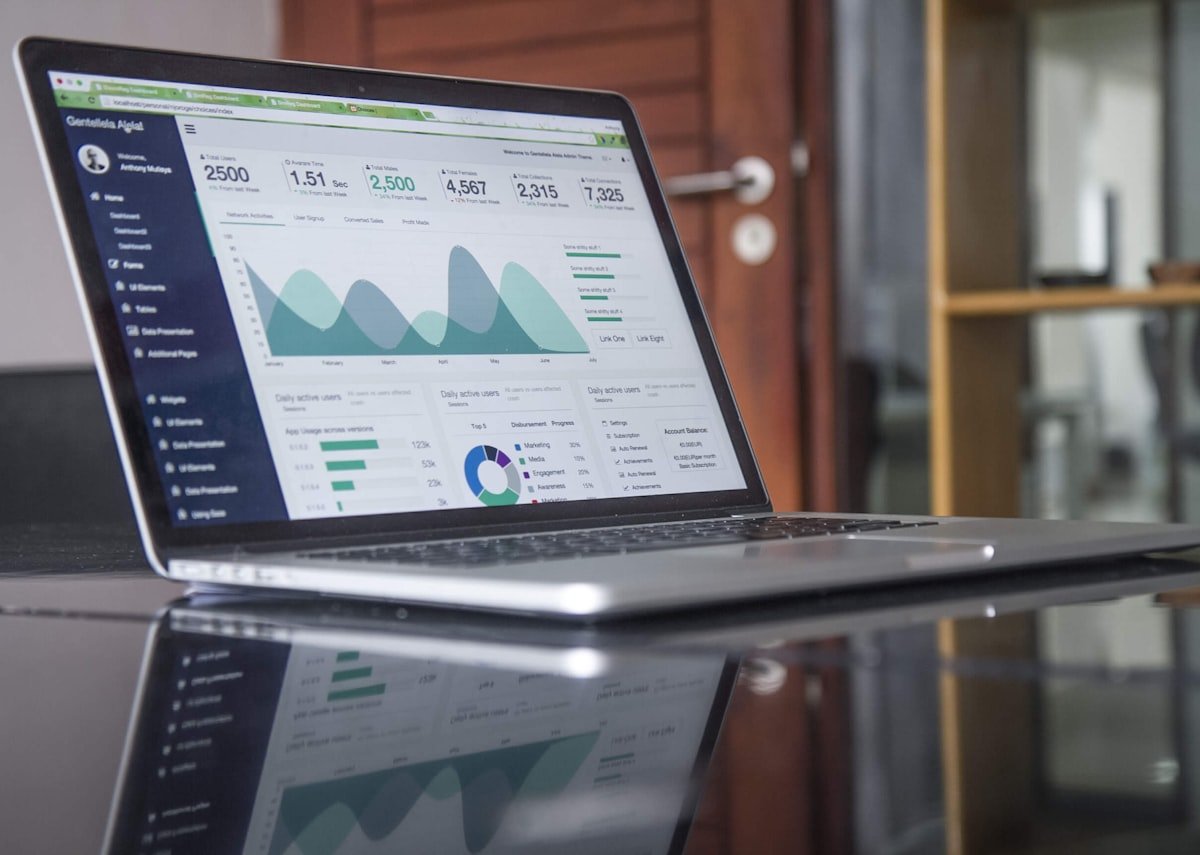
Day-end collection summaries are generated automatically — total revenue, payment breakdown, and outstanding dues in one view.
Step 7 — Enable Online Appointment Booking
Once your OPD is running digitally, activate online booking for patients:
- Your clinic gets a public booking page (e.g., nexopd.com/c/your-clinic)
- Patients see available slots and book without calling
- Confirmed bookings appear in the OPD queue automatically
- Automated email reminders are sent 24 hours before the appointment — reducing no-shows by up to 40%
This is the step that starts generating measurable ROI: fewer no-shows, fewer missed calls, and more efficient reception staff.
Benefits of Digital OPD Management for Indian Clinics
For Doctors
- Save 1–2 hours daily on documentation and prescription writing
- Access complete patient history instantly before every consultation
- Reduce prescribing errors with AI-assisted drug suggestions and interaction alerts
- Work from anywhere — access records from any device, including your mobile
For Patients
- Shorter wait times as the queue moves faster with digital registration
- Digital prescriptions they can access forever via email or patient portal
- Online booking without needing to call the clinic
- Appointment reminders that prevent forgotten visits
For Clinic Owners
- Real-time revenue tracking and daily collection reports
- Reduced staff workload — receptionists handle more with less effort
- No data loss — all records backed up in the cloud automatically
- Scale easily — add doctors, staff, and clinic locations without new infrastructure
Common Concerns About Going Digital — and the Answers
"My staff won't be able to learn new software"
Modern OPD software is designed to be simple. NexOPD's receptionist interface requires no training beyond a 30-minute walkthrough. If your staff can use WhatsApp, they can use NexOPD.
"What if the internet goes down during OPD hours?"
PWA-based clinic software (like NexOPD) works offline. You can register patients, create prescriptions, and record visits without internet connectivity. Everything syncs when the connection is restored.
"Is patient data safe in the cloud?"
Patient data in reputable cloud software is significantly safer than paper records — which can be lost, stolen, or damaged in a fire. NexOPD encrypts all data with AES-256 and each clinic's records are completely isolated from others.
"It will take months to migrate our existing patient data"
It does not have to. The fastest approach is a rolling migration: start registering new patients and returning patients digitally from day one. Most clinics are 80% digital within 60 days without any bulk data entry.
How to Manage OPD Digitally: The Checklist
- Choose cloud-based OPD software built for Indian clinics
- Set up clinic profile, doctors, and working hours (15 min)
- Train reception staff on patient registration and queue management (30 min)
- Train doctor on clinical notes and prescription workflow (20 min)
- Enable patient email for prescription delivery
- Activate online appointment booking
- Review daily collection reports at day-end
Total time to go fully digital: under 2 hours of setup, 30 days to feel completely natural.
Start Managing Your OPD Digitally with NexOPD
NexOPD is OPD management software built specifically for Indian clinics — with AI clinical notes, digital prescriptions, online booking, GST billing, and a free plan for up to 50 patients. No installation, no credit card, no IT team required.
Join thousands of Indian doctors who have already made the switch to a paperless OPD. Start your free clinic today and run your first digital OPD in under 30 minutes.